Targeting
Target detection, selection, and cursor management — scanning, filtering, and selecting entities based on proximity and sensory fields.
Categories:
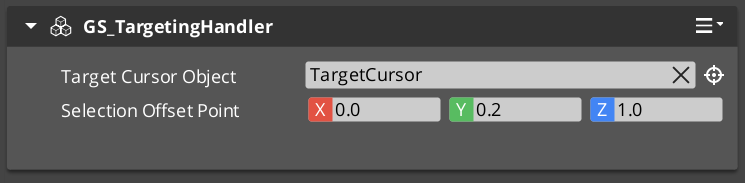
The targeting system provides spatial awareness and entity selection for units and other entities. A TargetingHandler component serves as the central processor — it receives target registrations from sensory fields, maintains categorized target lists, and selects the best interact target based on proximity and type filtering. The system supports a cursor overlay for visual feedback and an input reader for triggering interactions.
For usage guides and setup examples, see The Basics: GS_Interaction.
Contents
Components
| Component | Purpose |
|---|---|
| GS_TargetingHandlerComponent | Central targeting processor. Receives target registrations, selects best interact target. |
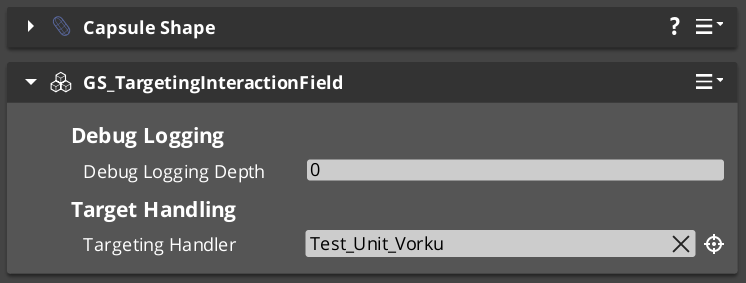
| GS_TargetingInteractionFieldComponent | Physics trigger volume for proximity-based target detection. |
| GS_TargetComponent | Base target marker. Makes an entity detectable by the targeting system. |
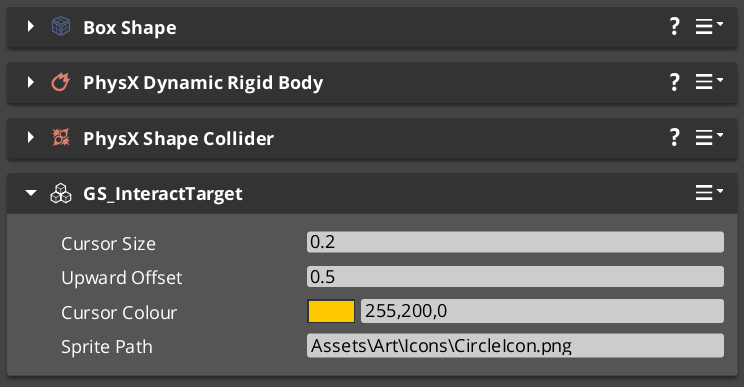
| GS_InteractTargetComponent | Specialized interact target extending GS_TargetComponent. |
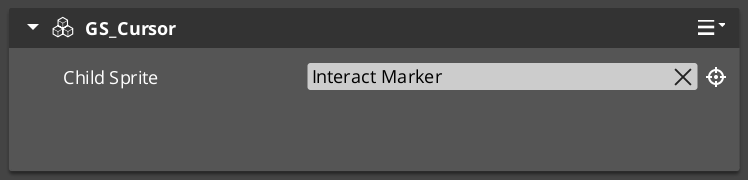
| GS_CursorComponent | Cursor display and positioning for targeting feedback. |
| GS_CursorCanvasComponent | UI canvas layer for cursor sprite rendering. |
| InteractInputReaderComponent | Input reader that bridges interact input to trigger actions on the current target. |
EBus Summary
Request Buses
| Bus | Address | Handler | Key Methods |
|---|---|---|---|
| GS_TargetingHandlerRequestBus | ById | Multiple | RegisterTarget, UnregisterTarget, RegisterInteractionRangeTarget, UnregisterInteractionRangeTarget, GetInteractTarget |
| GS_TargetRequestBus | ById | Multiple | GetTargetSize, GetTargetOffset, GetTargetColour, GetTargetSprite |
| GS_CursorRequestBus | Single | Multiple | RegisterCursorCanvas, HideCursor, SetCursorOffset, SetCursorVisuals, SetCursorPosition |
| GS_CursorCanvasRequestBus | ById | Multiple | HideSprite, SetCursorSprite |
Notification Buses
| Bus | Address | Handler | Key Events |
|---|---|---|---|
| GS_TargetingHandlerNotificationBus | ById | Multiple | OnUpdateInteractTarget, OnEnterStandby, OnExitStandby |
See Also
For component references:
For related resources:
Get GS_Interaction
GS_Interaction — Explore this gem on the product page and add it to your project.