GS_Complete is the cross-gem integration layer. It depends on every other GS gem and provides reference components that combine functionality from two or more gems — camera-aware paper facing, cinematic-driven unit controllers, dialogue camera effects, and dialogue UI selection buttons. GS_Complete exists as a pattern reference: it proves that gem combination works cleanly via companion components and bus events, without modifying any gem’s source code.
Contents
- Cinematics + PhantomCam
- Cinematics + UI
- Performer + PhantomCam
- Unit + Cinematics
- Architecture
- System Components
- Dependencies
- Installation
- See Also
Cinematics + PhantomCam
Dialogue effects that control camera behavior during conversations. These extend DialogueEffect and are discovered automatically through O3DE serialization, demonstrating how external gems add new dialogue effects without modifying GS_Cinematics.
| Component | Purpose |
|---|---|
| SetCamPriority_DialogueEffectComponent | Dialogue effect that changes a phantom camera’s priority during a dialogue sequence. |
| TogglePhantomCam_DialogueEffectComponent | Dialogue effect that enables or disables a phantom camera during a dialogue sequence. |
Cinematics + UI
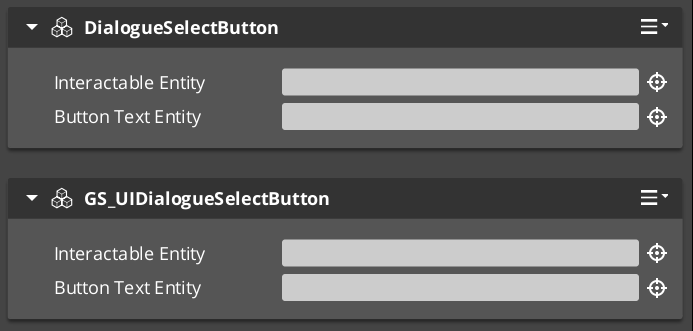
Connects LyShine button interactions to the dialogue selection system, enabling player choice UI in dialogue sequences.
| Component | Purpose |
|---|---|
| GS_UIDialogueSelectButtonComponent | Button component for dialogue choice selection — bridges LyShine button events to dialogue selection bus events. |
Performer + PhantomCam
Camera-aware extensions for the Performer system, enabling 2.5D paper characters to face the active camera correctly.
| Component | Purpose |
|---|---|
| CamCorePaperFacingHandlerComponent | Camera-aware paper facing for 2.5D performers — uses CamCore notifications to adjust paper performer facing direction relative to the active camera. |
Unit + Cinematics
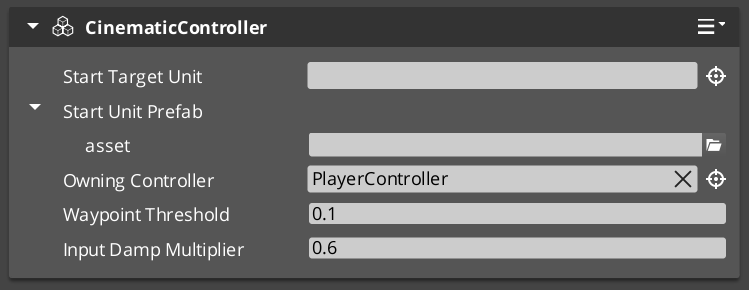
Unit controller extensions driven by the cinematic system rather than player input.
| Component | Purpose |
|---|---|
| CinematicControllerComponent | Unit controller driven by cinematic sequences — extends GS_UnitControllerComponent to be driven by cinematic playback. |
Architecture
GS_Complete follows the companion component pattern — each cross-gem component lives on the same entity as the components it integrates, communicating via their existing EBus interfaces. No gem source code is modified.
GS_Complete (integration layer)
    ├── Cinematics × PhantomCam
    │       ├── SetCamPriority_DialogueEffectComponent
    │       └── TogglePhantomCam_DialogueEffectComponent
    ├── Cinematics × UI
    │       └── GS_UIDialogueSelectButtonComponent
    ├── Performer × PhantomCam
    │       └── CamCorePaperFacingHandlerComponent
    └── Unit × Cinematics
            └── CinematicControllerComponent
System Components
| Component | Purpose |
|---|---|
| GS_CompleteSystemComponent | Runtime system component for GS_Complete. |
Dependencies
- All GS gems (required — GS_Core, GS_Audio, GS_Cinematics, GS_Environment, GS_Interaction, GS_Juice, GS_Performer, GS_PhantomCam, GS_UI, GS_Unit, GS_AI, GS_Platform)
- LyShine (required — for dialogue UI selection)
- RecastNavigation (required — via GS_Cinematics)
Installation
- Enable the GS_Complete gem in your project configuration.
- Ensure all other GS gems are also enabled — GS_Complete depends on the full suite.
- Add cross-gem components to entities alongside the gem components they integrate.
See Also
For conceptual overviews and usage guides:
For related API references: